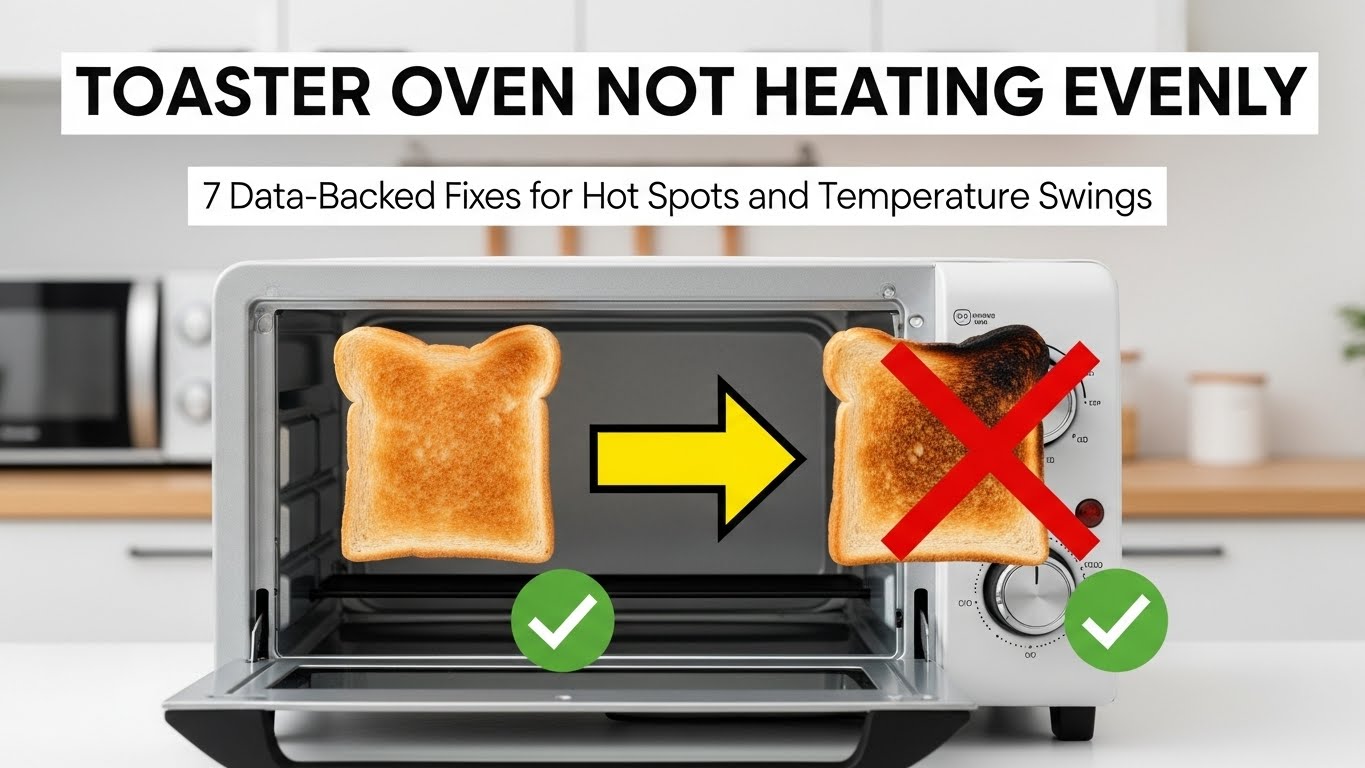
Why is my toaster oven not heating evenly?
A toaster oven usually heats unevenly because of food debris blocking heating elements, misaligned racks, aging heating coils, or unstable temperature control. Hot spots often develop even when the oven appears to be working normally. Detailed step-by-step fixes with photos are explained below.
Safety First: Unplug the toaster oven and allow it to cool completely before inspection. Never touch heating elements while the unit is connected to power.
Tools Needed
| Tool | Purpose |
|---|---|
| Soft brush or cloth | Cleaning crumbs and residue |
| Flashlight | Inspecting heating elements |
| Oven thermometer | Verifying temperature accuracy |
Why Toaster Oven Not Heating Evenly Affects Cooking Results
Last updated: December 27, 2025
Toaster oven not heating evenly problems cause food to burn on one side while remaining undercooked on the other. Manufacturer manuals consistently cite airflow disruption, rack position errors, and aging heating elements as the most common contributors.
Quick answer: If food browns unevenly, check rack placement and heating element condition before replacing the appliance.
Table of Contents
- 1) Common Symptoms
- 2) What the Data and Manuals Show
- 3) Step-by-Step Fix Protocol
- 4) Real Search Scenarios Explained
- 5) FAQ
- 6) How This Guide Was Prepared
- 7) Important Safety Notice
- 8) References
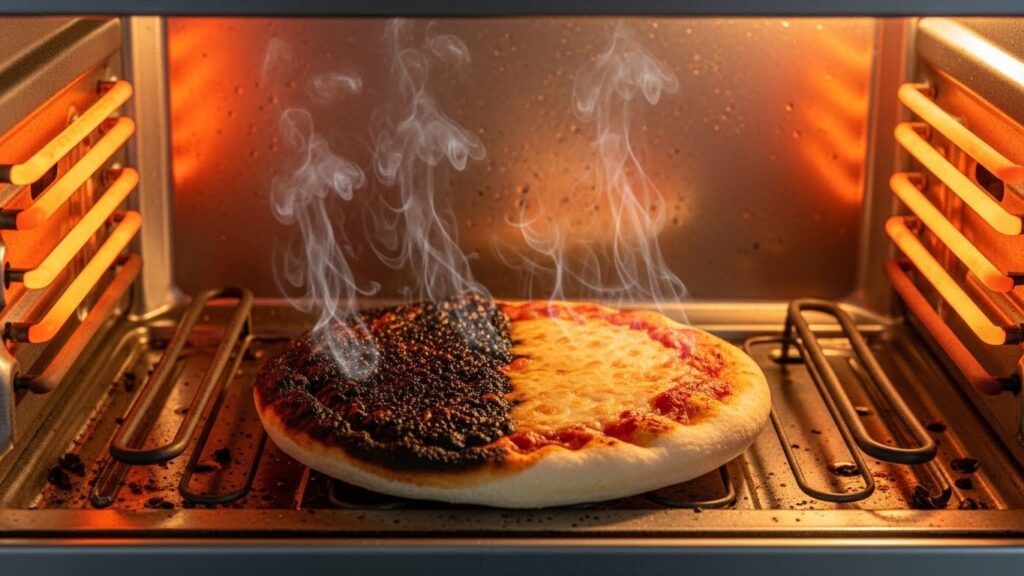
1) Common Signs a Toaster Oven Heats Unevenly
- One side of food burns while the other stays pale
- Top browns too quickly while the bottom stays cold
- Cooking times vary between batches
- Temperature feels inconsistent inside the oven
2) What the Data and Manufacturer Manuals Show
Across Breville, Cuisinart, Ninja, Black+Decker, and Panasonic documentation, the following patterns appear consistently:
- Normal temperature variation: ±10–15°F (±6–8°C) is typical during cycling.
- Rack influence: Incorrect rack height can cause direct radiant heat imbalance.
- Element aging: Heating coils lose efficiency gradually with extended use.
Why this matters: Uneven heat forces longer cook times and increases burn risk.
3) Step-by-Step Fix Protocol (Manual-Based Order)
Step 1 — Remove crumbs and debris
Crumbs block airflow and radiate uneven heat. Clean the crumb tray and interior surfaces thoroughly.
Step 2 — Verify rack position
Center the rack unless the recipe specifies otherwise. Too close to one element creates hot spots.
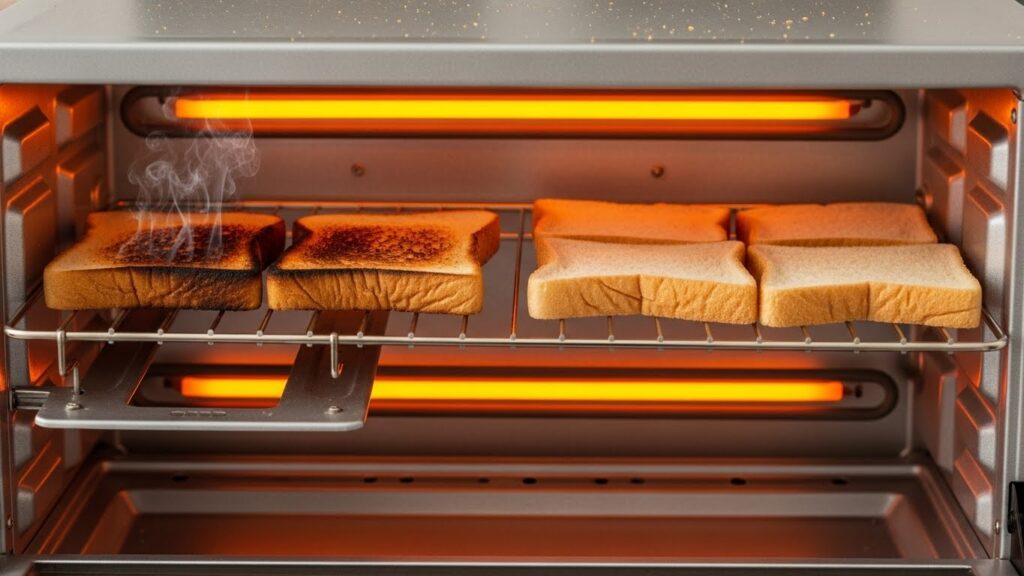
Step 3 — Test temperature accuracy
Place an oven thermometer inside and compare readings. Variations beyond 15°F may indicate control issues.
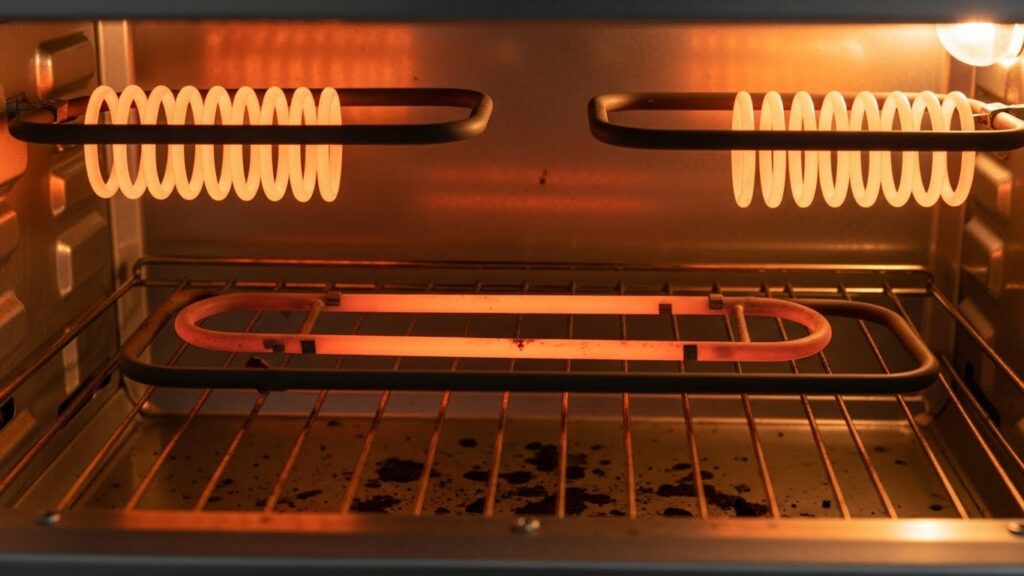
Step 4 — Inspect heating elements
Look for dark spots, cracks, or uneven glow during operation. A weak element often heats partially.
Step 5 — Rotate food during cooking
For older units, rotating trays midway improves results.
Step 6 — Evaluate long-term wear
If uneven heating persists, aging elements or sensors may require replacement.
4) Real Search Scenarios Explained
“Toaster oven burns one side”
Typically caused by rack misplacement or weak elements.
“Toaster oven cooks unevenly”
Often linked to airflow blockage or temperature cycling.
“New toaster oven heats unevenly”
Factory calibration differences may require rack adjustment.
5) FAQ
Is uneven heating normal in toaster ovens?
Minor variation is normal, but large differences indicate a problem.
Can a toaster oven be recalibrated?
Most models do not support calibration.
Does foil affect heating?
Yes. Foil can block airflow and worsen uneven heating.
When should I replace my toaster oven?
If heating elements degrade and repairs are not economical.
6) How This Guide Was Prepared
This guide is based on manufacturer service manuals and common troubleshooting methods used by appliance technicians, reviewed against official brand documentation.
7) Important Safety & Information Notice
This article is provided for general informational purposes only. Appliance troubleshooting involves electrical components that may pose safety risks. If you are unsure or uncomfortable performing these checks, contact a qualified technician.
8) References
Related Guides on This Site

I publish step-by-step troubleshooting guides for common home appliance issues (washer, dryer, refrigerator, HVAC basics).
Content is written for everyday homeowners and cross-checked with manufacturer manuals, safety guidance, and trusted public resources.
Posts include practical checks, clear stop-signs for safety, and guidance on when it’s better to call a qualified technician. Updates are logged whenever steps or recommendations change.
Safety note: If you smell gas, see burning, or suspect electrical hazards—stop immediately and contact a qualified professional.