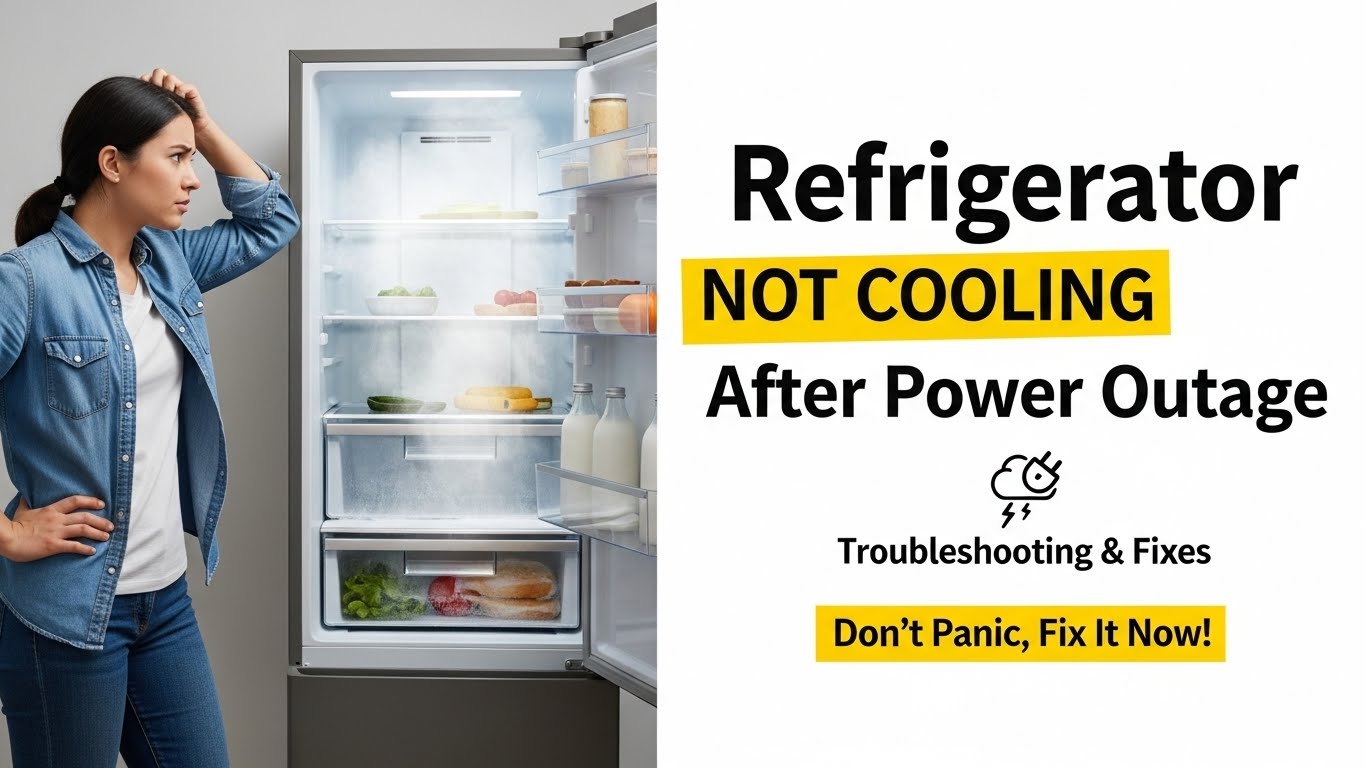
Why a Refrigerator Is Not Cooling After a Power Outage (Control Board Reset, Compressor Delay, and Airflow)
Last updated: December 19, 2025
Refrigerator not cooling after power outage issues are commonly caused by delayed compressor restart, control board confusion, or airflow disruption rather than permanent damage. Many modern refrigerators are designed to wait before restarting to protect internal components.
Quick answer: After a power outage, most refrigerators need time to reset. If cooling does not return after basic checks, airflow or electrical components may be involved.
Table of Contents
- 1) Common Symptoms After a Power Outage
- 2) Why Cooling Stops After Power Loss
- 3) Step-by-Step Fix Protocol
- 4) Real Search Scenarios Explained
- 5) FAQ
- 6) Safety Disclaimer
- 7) References
1) Common Symptoms When a Refrigerator Stops Cooling After Power Loss
- Interior lights work but temperature rises
- Compressor silent or clicking occasionally
- Freezer warmer than normal
- Fans not running consistently
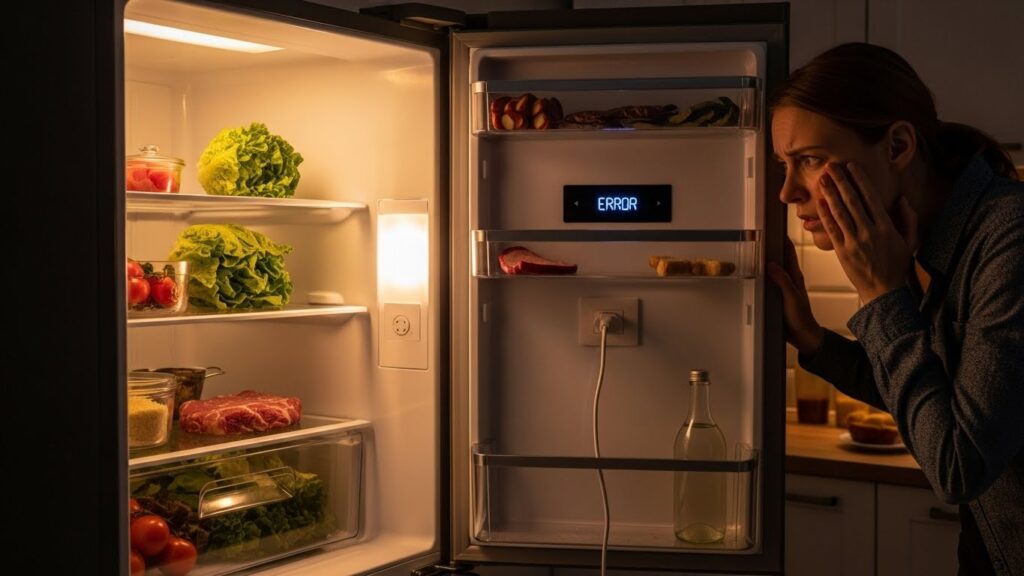
2) Why a Refrigerator May Not Cool After a Power Outage
Across LG, Samsung, Whirlpool, GE, and Bosch models, post-outage cooling issues usually come from:
- Compressor restart delay built into the control system
- Control board needing a reset
- Tripped overload protector
- Airflow blocked by frost or shifted food
- Power surge-related component stress
Important: Many refrigerators delay compressor startup for 5–30 minutes after power is restored.
3) Step-by-Step Fix Protocol (Safe Checks First)
Safety note: Unplug the refrigerator before resetting or inspecting electrical components.
Step 1 — Wait at least 30 minutes
After a power outage, the compressor may intentionally delay restarting. If your refrigerator not cooling after power outage issue just occurred, waiting is often enough.
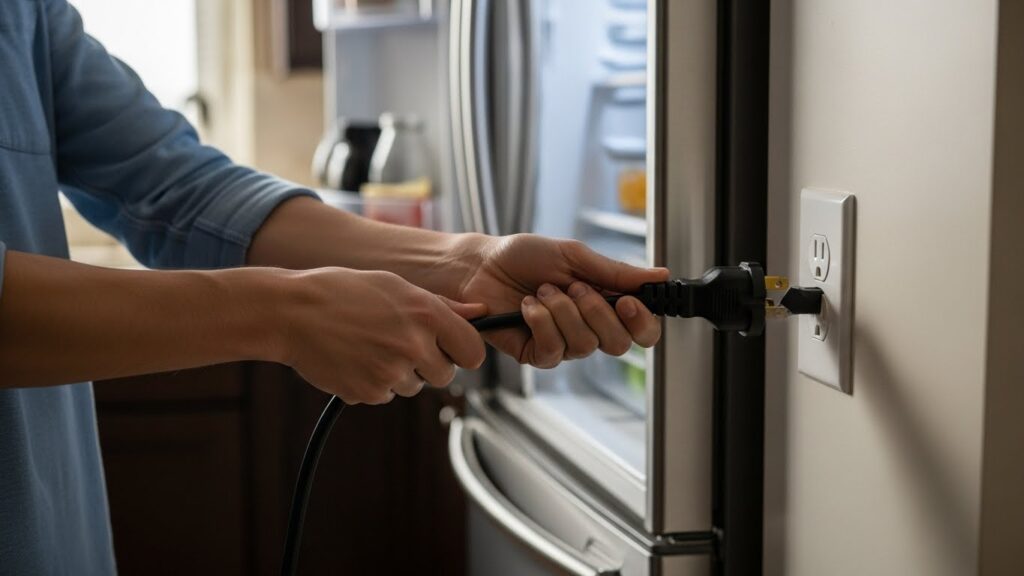
Step 2 — Perform a full power reset
Unplug the refrigerator for 5 minutes, then plug it back in. This clears temporary control board errors.
Step 3 — Check temperature settings
Power loss can reset temperature settings to default or incorrect values. Verify both fridge and freezer controls.
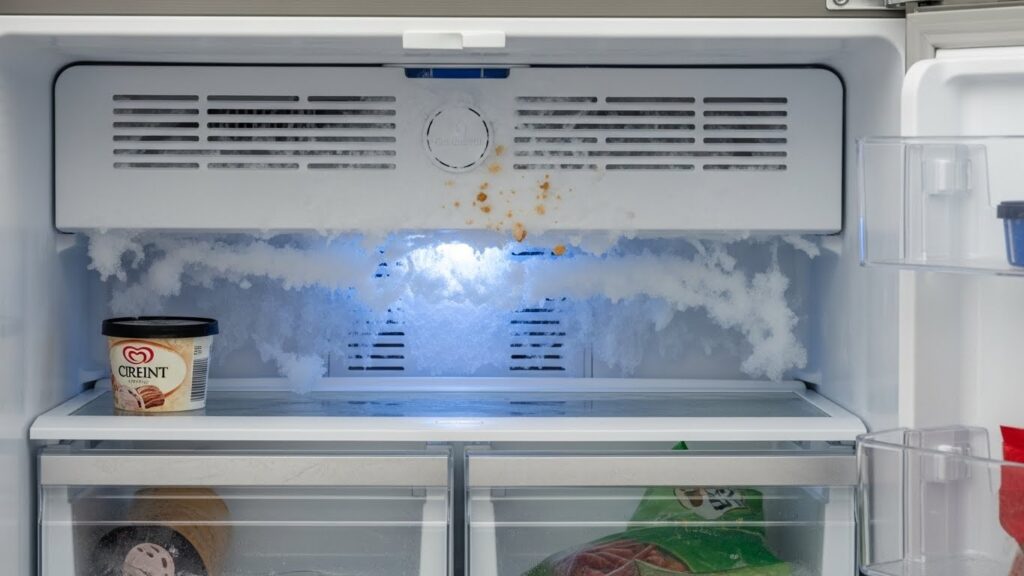
Step 4 — Inspect airflow and vents
Food may shift during outages and block vents, preventing cold air circulation.
Step 5 — Listen for compressor activity
If the compressor never starts or clicks repeatedly, further diagnosis may be required.
4) Real Search Scenarios Explained
“Refrigerator not cooling after power outage but lights are on”
Usually points to delayed compressor restart or a control board reset issue.
“Fridge warm after blackout”
Commonly caused by airflow blockage or temperature reset.
“Power went out and fridge stopped cooling”
Often resolves with a full power reset and time for stabilization.
5) FAQ
How long should I wait after a power outage?
Most refrigerators resume cooling within 30 minutes, but full temperature recovery can take several hours.
Can a power outage damage a refrigerator?
Short outages rarely cause damage, but power surges can stress electrical components.
Should I reset the breaker?
Unplugging the refrigerator is more effective than breaker resets.
When should I call a technician?
If cooling does not resume after resets and airflow checks, professional service is recommended.
Is food safe after a power outage?
Food safety depends on outage duration and internal temperature rise.
6) Safety Disclaimer
This guide is for general informational purposes only. If you are not comfortable working with electrical appliances, contact a qualified technician. Always disconnect power before inspection.
7) References
- Energy.gov — Refrigerator energy and operation basics
- Consumer Reports — Refrigerator troubleshooting after outages
Related Guides on This Site
- Refrigerator Runs Constantly: Coils and Airflow Fixes
- Refrigerator Making Clicking or Buzzing Noises
- Freezer Not Freezing Enough: Airflow and Frost Build-Up Fix

I publish step-by-step troubleshooting guides for common home appliance issues (washer, dryer, refrigerator, HVAC basics).
Content is written for everyday homeowners and cross-checked with manufacturer manuals, safety guidance, and trusted public resources.
Posts include practical checks, clear stop-signs for safety, and guidance on when it’s better to call a qualified technician. Updates are logged whenever steps or recommendations change.
Safety note: If you smell gas, see burning, or suspect electrical hazards—stop immediately and contact a qualified professional.